
Speed Up PyRosetta Development with Autocompletion and Type Checking
By Harrison Truscott
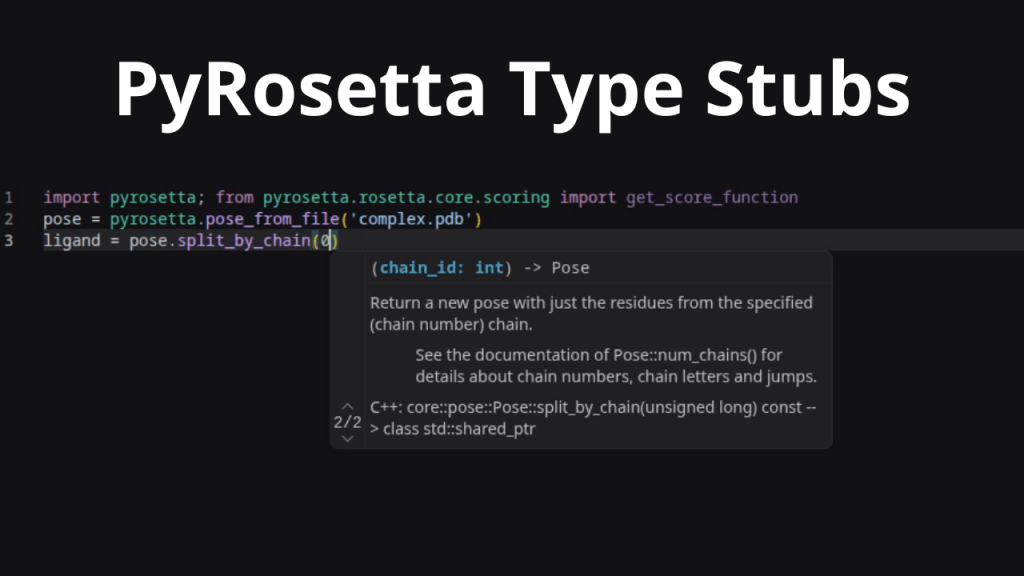
PyRosetta, the Python interface to the Rosetta binary, now comes packaged with type stub files (.pyi). These files describe the module’s classes, methods, and variables, as well as function signatures, types of function parameters and return values, and descriptive docstrings. Type stub files can be used by the Integrated Development Environment (IDE) of your choosing to improve code autocompletion and type analysis for a more streamlined development experience when writing Python code using the PyRosetta library.
What are Type Stubs?
Type stubs act as a map for your code. They are python-like files with the “.pyi” file extension which describe, but do not implement, a corresponding “.py” file. They use Python’s type hinting system to define what parameters a function expects and what type of information it returns (e.g. does this function return a number, or a string of characters?). Type stub files serve as references of static code analysis tools, often built into IDEs, when source files are unavailable.
Why Use Type Stubs?
By including these stubs, your IDE (like VS Code with Pylance or BasedPyright) can provide:
- Enhanced Autocompletion: Suggestions for imports, function calls, attribute access via dot notation (e.g. “thing.attribute”), and more, by noting type definitions in the file.
- Type Checking: instant warnings when passing, for example, a variable with type “str” into a function which expects a parameter of type “int” by noting the function’s type information in the file.
How to Get User Generated Type Stubs
Beginning with the release on April 7, 2026, new builds of PyRosetta will automatically generate type stub files using the module information that is exposed to Python at runtime from the compiled PyRosetta binary. If you are using an older installation, you can generate them yourself using the pybind11-stubgen tool. To implement it, follow these steps:
- Generate type stubs for the pyrosetta module with pybind11-stubgen pyrosetta [-o output_folder]
- Copy the rosetta folder of the generated stub module into the pyrosetta install folder in your python environment’s site-packages
We provide an interactive Jupyter Notebook and a bash script which handles this process automatically.
For questions or comments, please use #pyrosetta or GitHub.